
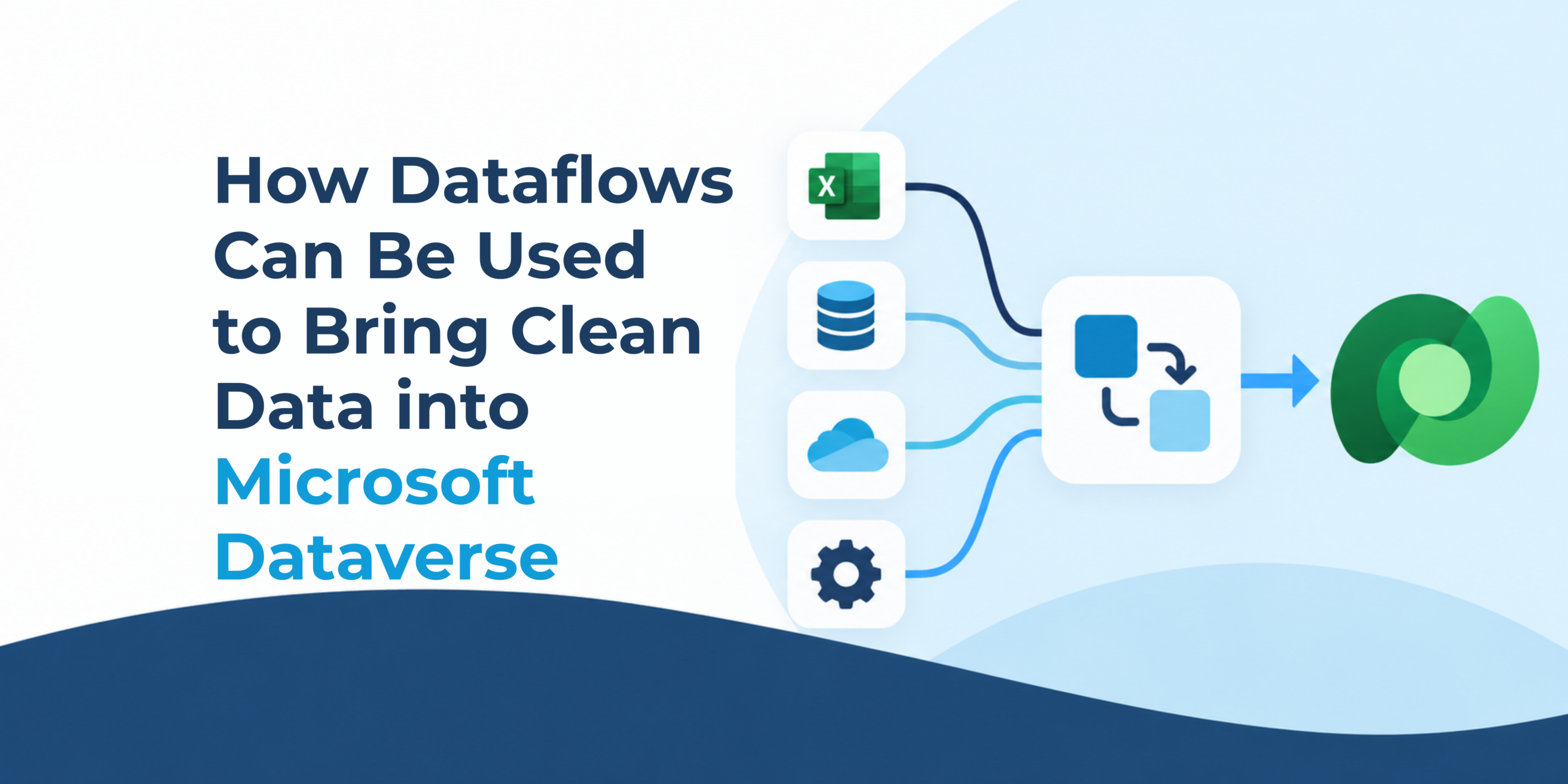
Dataverse allows for accessing the same set of data in many different ways, such as Dynamics 365 apps, custom model-driven apps, canvas apps, or even Power Pages. You can even build relationships to easily tie records together and navigate between them. However, what do you do when you want to import data into the system? Importing CSV or Excel files directly into your system can be limited, especially when you’re trying to both create and update records. That’s where Dataflows can help.
Dataflows allow you to create connections to a diverse range of sources. This includes Excel files to APIs, and other Dataverse instances which allow you to pull, transform, and import data. Let’s review two cases where Dataflows come in handy: pulling data from another system and preparing data before it’s imported.
Scenario One: Point of Sale
Northwind Fashion is a clothing company that wants to incorporate the types of clothing customers purchase into their marketing efforts. While they already have information about their customers in Dataverse, transactions are saved in a separate system. Their main focus is on what products are being purchased by their active customers.
While Northwind is confident that Dataverse will have the most up-to-date information about their customers, their other system may have information about products that aren’t in Dataverse yet. These products shouldn’t be skipped and instead need to be added to Dataverse.
To accomplish this, we can set up two dataflows:
-
-
- The first dataflow brings all the active products from Northwind Fashion’s sales system into Dataverse. It only pulls the information that Northwind needs for marketing, like the type of clothing, brand, etc. Unnecessary information, like the number of products left or the sizes of a product, is not included.
- The second dataflow brings in the transactions for active Customers, and only includes the clothes purchased, the date of each purchase, and the total amount spent. Unnecessary information, like billing details, is not included.
-
Finally, we can set these dataflows on a schedule so that, each night, the first dataflow runs, bringing in the updated product information, and a few hours later, the second dataflow runs, bringing in the transaction history. Now Northwind can market to customers based on the products they’re interested in, giving the marketing team access to the primary information they need.
Scenario Two: Data Transformation
Contoso Creek has an Excel file of Opportunities they want to import, but the data needs to be cleaned before it can come into Dataverse:
-
-
- Each Opportunity in the Excel sheet is related to an Account, and the Account’s address needs to be included in the Opportunity.
- Some Opportunities have an estimated close date that’s over a year old; these Opportunities don’t need to be brought into the system.
- If an Opportunity is related to an inactive Contact, or one that doesn’t exist in Dataverse, the Opportunity should still be imported, but without a Primary Contact.
-
We can do all of these transformations with one Dataflow. Each Dataflow can have multiple queries, and we can decide which queries will map into Dataverse. One query will pull the list of Accounts from Dataverse, and another Query will pull the data from the Excel file. We can then transform the data in the Excel file, filtering it and pulling in data from related Accounts.
At the end, we only map one query into Dataverse, allowing us to add new records to the Opportunity table.
Known Limitations
As of publishing, Dataflows currently cannot sync lookup fields that can tie to multiple tables. Therefore, any Customer field, Owner field, or Regarding field can’t be directly synced using dataflows. However, you can work around this using custom fields and automations.
Summary
Dataflows are a powerful tool for pulling and transforming data before importing it into Dataverse. They can be used to pull data from external sources, from Dataverse itself, and to clean or manipulate the data before it’s imported into the system.
If you need help pulling data into Dataverse, reach out to us at 1-880-800-1960 or email info@toplineresults.com.