
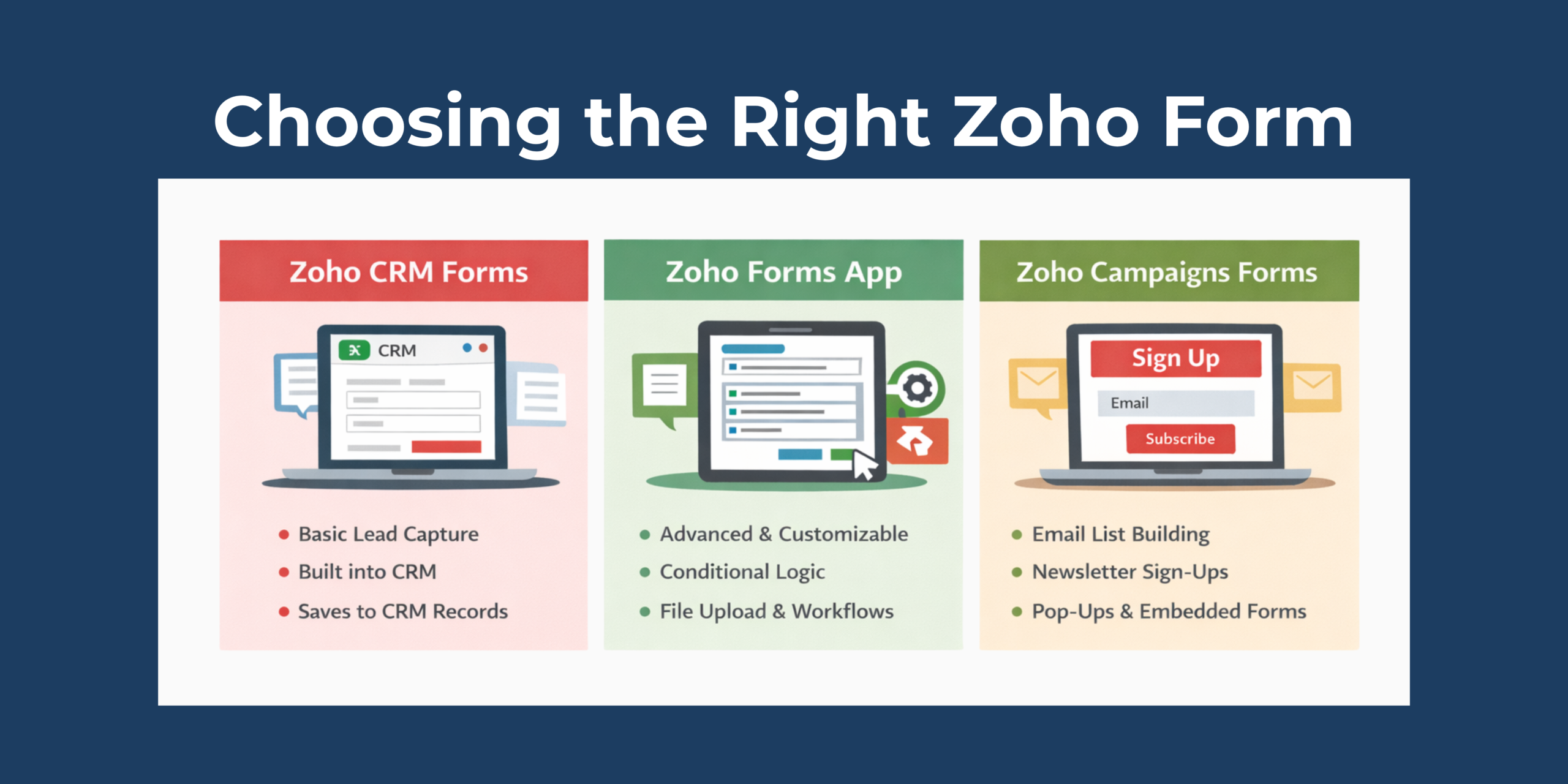
Zoho gives you multiple tools for collecting information, and while they may look similar at first, each one is designed for a very different purpose. Choosing the right one can save you time, reduce confusion, and keep your data flowing where it should.
So, let’s take a look at your form options in Zoho.
Zoho Forms Within Zoho CRM
This is a basic form builder inside Zoho CRM. It lets you create simple forms that feed data directly into CRM records.
Main Features:
-
-
- Simple form creation with drag-and-drop fields
-
-
-
- Built-in to Zoho CRM
-
-
-
- Automatically saves submissions as CRM records
-
Forms in Zoho CRM are perfect when you just need to capture leads, contacts, or basic information. There’s no extra syncing or setup.
That being said, these forms are intentionally simple. You won’t find complex logic or fancy layouts here, just basic information capturing.
Zoho Forms (App)
Zoho Forms is a full-featured form builder app designed for any kind of data collection. It’s a powerful and flexible tool.
Main Features:
-
-
- Highly customizable forms with conditional logic
-
-
-
- Multi-page forms and layouts
-
-
-
- Advanced field types (file upload, e-signatures, payments, etc.)
-
-
-
- Notifications and workflow automation
-
-
-
- Embed anywhere (websites, portals, social media)
-
-
-
- Integrates with CRM, Campaigns, Desk, and more
-
Zoho Forms is ideal for organizations that need more than a basic form. It allows you to create advanced, branded forms that support complex workflows, using features like conditional logic and automation to guide users and process submissions efficiently.
While Zoho Forms does require a separate setup outside of Zoho CRM and involves configuration, it still plays nicely with the rest of your Zoho apps.
Sign-Up Forms in Zoho Campaigns
Zoho Campaigns’ sign-up forms are built specifically for email list building.
Main Features:
-
-
- Easy forms designed for mailing list signup
-
-
-
- Built-in templates for banners, pop-ups, embedded forms
-
-
-
- Designed to grow subscriber lists quickly
-
-
-
- Integrated analytics for form performance
-
Zoho Campaigns sign-up forms are best used for growing newsletter and mailing lists, capturing subscribers for campaigns, building target audiences, and handling simple contact capture for marketing purposes.
Just keep in mind that by default, the data stays in Zoho Campaigns. If you want those contacts to appear in Zoho CRM, you’ll need to enable CRM sync.
So… Which One Should You Use?
Here’s a cheat sheet to help you decide:
-
-
- Need basic information to land directly in CRM? Use CRM forms
-
-
-
- Need an advanced, more customized form? Use Zoho Forms
-
-
-
- Need to grow your email list? Use Campaigns sign-up forms
-
Zoho’s form options aren’t redundant; they’re strategic. Remember, the key is matching the form to your goal. When you use the right form in the right place, your data stays clean, your teams stay aligned, and your workflows run smoother.
If you’re not sure which form fits your process, or you’d like help setting one up the right way, contact us at 1-800-880-1960 or email info@toplineresults.com. We’re happy to help!