
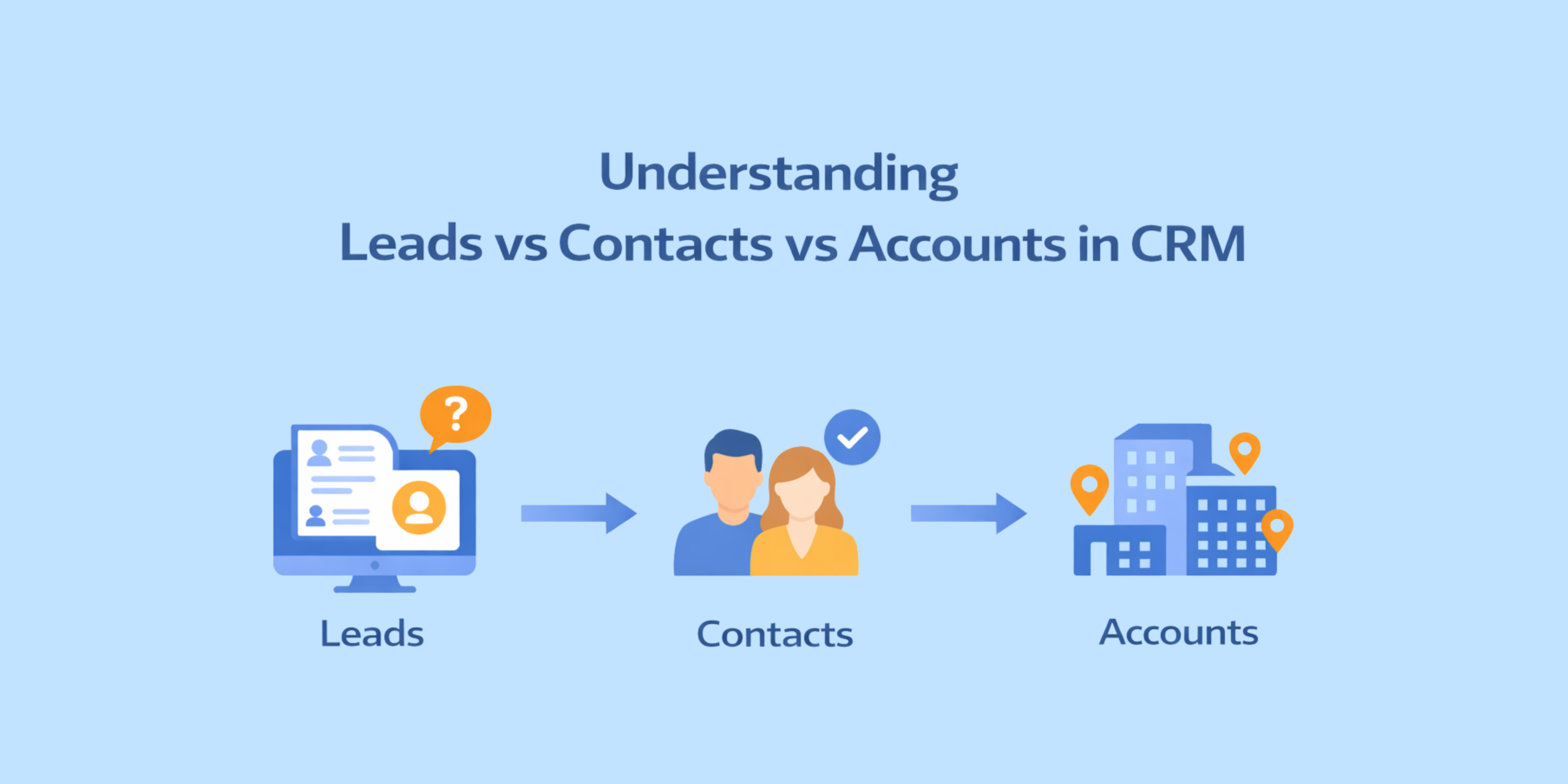
When working in a CRM, whether it's HubSpot, Zoho, or Dynamics 365, understanding the difference between Leads, Contacts, and Accounts is essential. These three core record types form the foundation of how you organize, track, and grow your customer relationships. While these terms may sound similar, they serve completely different purposes in managing potential and existing customer relationships.
In this article, we’ll clearly define each record type, explain why CRMs keep them separate, and show you exactly when and how a Lead should be qualified.
What is a Lead?
Let’s start with what many people would consider the beginning, a Lead. So, what is a Lead? Leads are unqualified records that need to be evaluated before becoming Contacts, Accounts, or Opportunities. At this point, you may only have limited information about the individual and their company, and you may not yet know if they are a good fit for your products or services.
Here are some common sources for Leads:
-
-
- Website forms
- Webinar or event registrations
- Trade shows or conferences
- Marketing campaigns
- Purchased lead lists
- Referrals
- Social media inquiries
-
Since many Leads originate from marketing activities, they often require qualification by the sales team before being considered a sales opportunity.
Why CRMs Separate Leads from Contacts?
One common question people ask when learning CRM systems is why Leads and Contacts are stored in different modules. The main reason is data quality and process management.
Not every person who submits a form or attends an event will become a real sales opportunity. If every inquiry immediately became a Contact and Account, the CRM database could quickly become cluttered with unverified or irrelevant records.
By keeping Leads separate, organizations can:
-
-
- Review and verify prospects
- Allow marketing teams to nurture early interest
- Prevent duplicate or unnecessary company records
- Ensure sales teams focus only on qualified opportunities
-
Once a Lead has been reviewed and confirmed as a legitimate prospect, it can then be converted into a Contact and an Account.
When Should a Lead Be Qualified?
Once a Lead enters your CRM, the next step is to evaluate whether they’re worth pursuing. Before converting a Lead into a more permanent record, organizations typically verify key factors such as:
-
-
- The person works for a relevant company
- The contact information is valid
- The individual has an interest in your product or service
- The company fits your target customer profile
- A salesperson has made initial contact
-
Once the decided-on criteria are met, the Lead is ready to move forward and be converted into a Contact or Account in your CRM.
What is a Contact?
Once a Lead is qualified, it becomes a Contact. A Contact is someone you’ve identified as a good fit and are ready to continue building or maintaining a relationship with.
Contacts are typically people who:
-
-
- Work for a company that your organization interacts with
- Have been verified as legitimate business relationships
- Are involved in sales, customer relationships, or ongoing communication
-
Contacts are usually associated with an Account, which represents the company they work for.
For example:
Account:
-
-
- ABC Manufacturing
-
Contacts:
-
-
- Jane Smith – Purchasing Manager
- Mark Jones – Chief Financial Officer
-
Contacts allow your organization to track communications, meetings, opportunities, and relationships with specific individuals at a company.
What is an Account?
Now it’s time for the final piece of the blog, Accounts. An Account represents a company or organization that your business works with or intends to work with.
Accounts are used to track the broader relationship with an organization rather than a single individual. Within an Account, there may be multiple Contacts representing different people at that company.
Accounts can represent:
-
-
- Customers
- Partners
- Vendors
- Suppliers
-
By organizing Contacts under Accounts, CRM systems give businesses the ability to see the full relationship with a company and manage interactions across multiple stakeholders.
How Leads Become Contacts and Accounts
We aren’t done yet! Now that we’ve learned about Leads, Contacts, and Accounts, let’s go over how they all relate to each other. In many CRM systems, when a Lead is qualified, it is converted into a Contact and an Account.
The process typically looks like this:
-
-
- A team member enters a new prospect in CRM as a Lead.
- A salesperson reviews and qualifies the Lead.
- When the Lead is qualified, the CRM creates:
- A Contact for the individual
- An Account for the company they work for
- Sometimes an Opportunity is created and linked to the Account and Contact
-
From that point forward, all communication, activities, and sales opportunities can be tracked under the Contact, Account, and/or Opportunity.
Final Thoughts
Every organization may define these terms a little differently based on its own sales and marketing processes, but the overall structure tends to stay consistent whether your working in HubSpot, Dynamics, or Zoho CRM. Leads are early-stage prospects that still need to be qualified. Contacts are the individuals you’ve verified and are actively engaging with, and Accounts represent the companies they belong to. When these records are managed properly, it helps keep your data organized, supports a more efficient sales process, and ultimately leads to stronger customer relationships.
To talk through your CRM needs, feel free to reach out by calling 1-800-880-1060. We’d be happy to help you bring everything together into a system that works for your business.